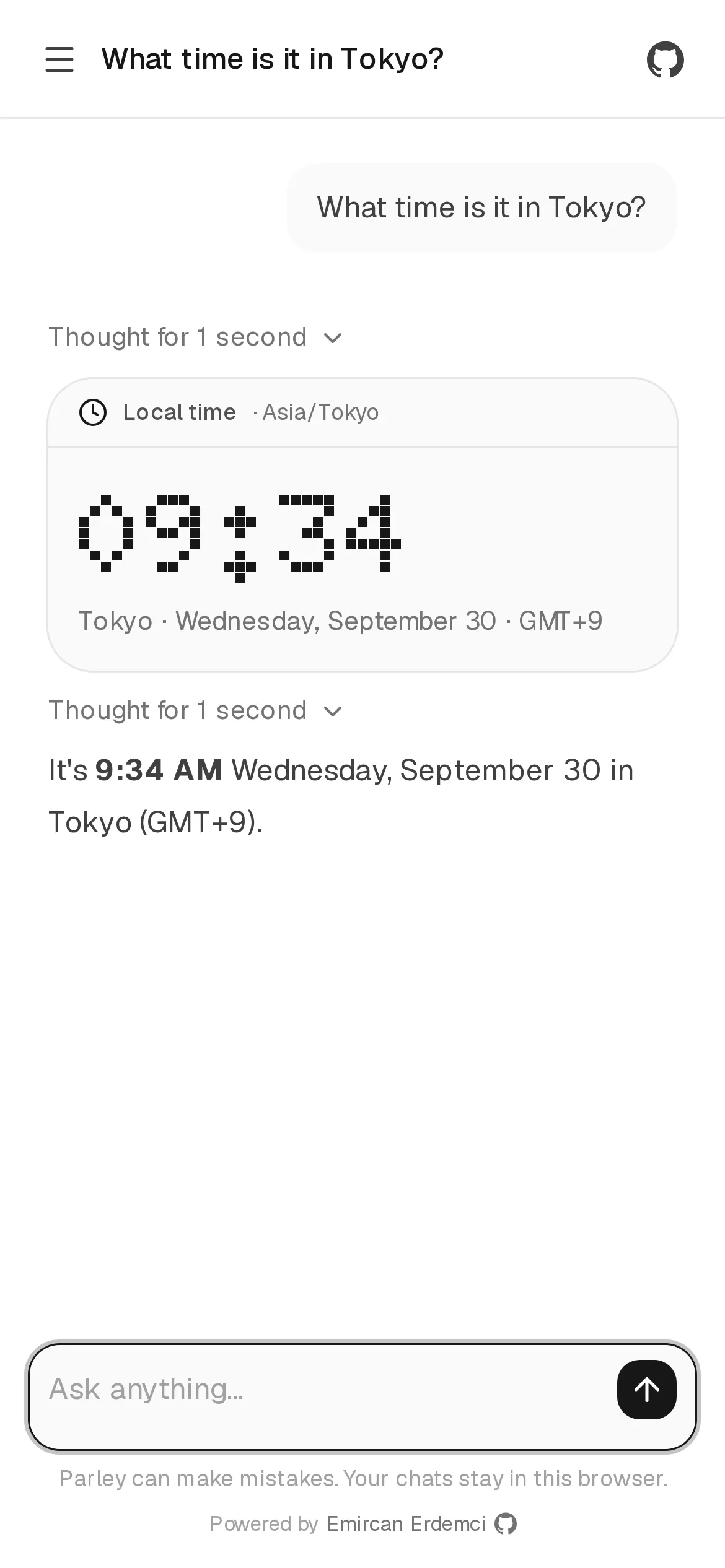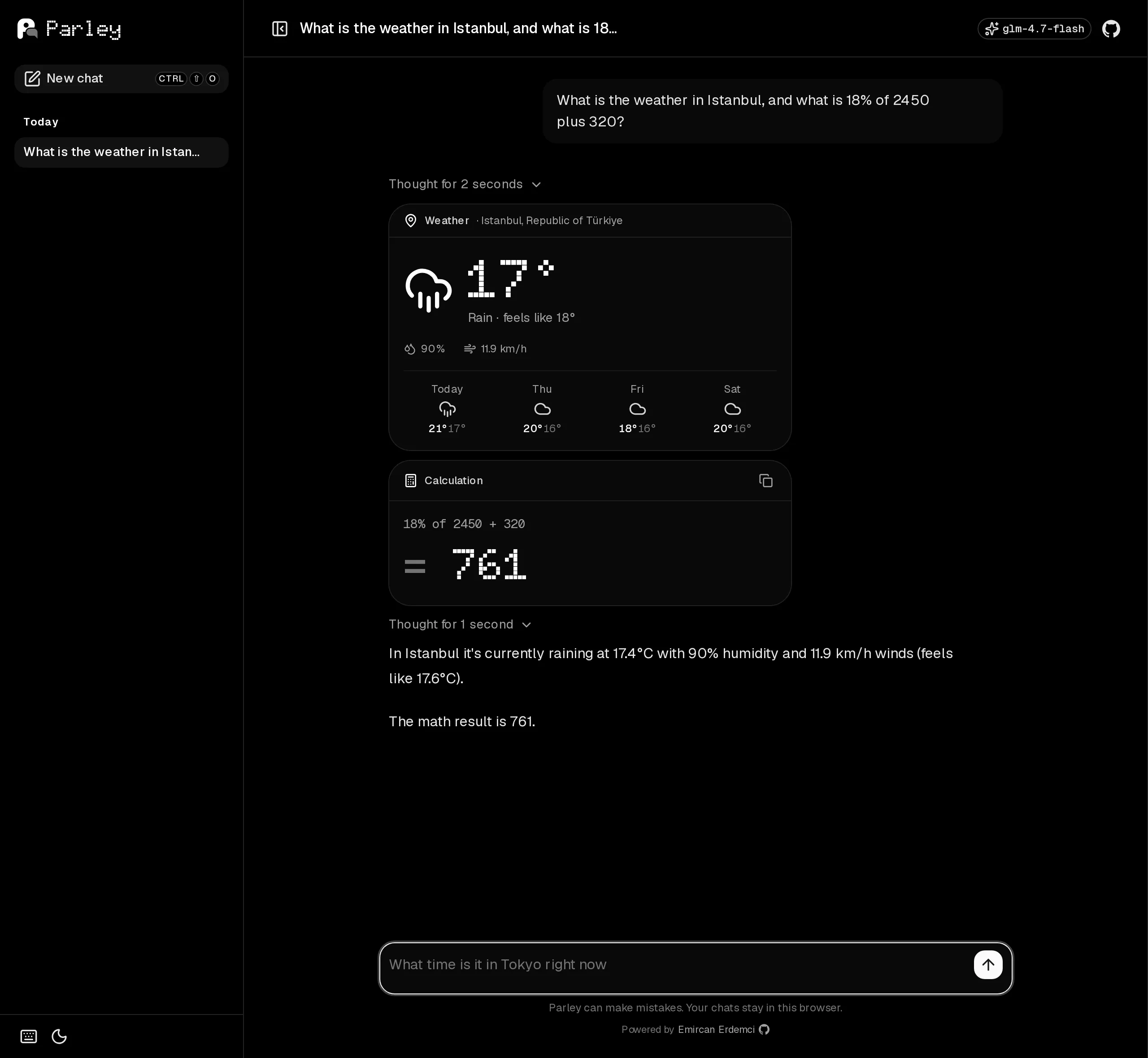
Read replies as they arrive and see tool results as cards. Chat history stays in your browser; a usage screen shows the remaining quota.
The challenge
Protect a shared AI quota and present useful tool results, with arithmetic handled by a dedicated parser.
My role
I built the interface, API, tools, usage meter and access controls, then deployed on Workers.
Architecture
Where each part runs. Red follows the example flow.
- L1 Interface Runs on: Browser
Renders streaming replies and tool cards. Stores chat history locally.
- Nuxt 4
- Nuxt UI 4
- AI SDK useChat
- Comark
- L2 Server Runs on: Cloudflare Workers
Serves the app and API. Session checks and rate limits protect usage; a Durable Object meters it.
- Cloudflare Workers
- Nitro
- Turnstile
- Rate Limiting
- Durable Object
- L3 AI Runs on: Workers AI
Streams replies and tool calls. A smaller model suggests follow-up messages.
- AI SDK streamText
- Workers AI
- GLM-4.7 Flash
- L4 External services Runs on: Open-Meteo
Provides four-day weather forecasts.
- Open-Meteo
Step by step: Asking about the weather
- L1 · Interface Turnstile verification creates a 30-minute signed session.
- L2 · Server The API checks origin, session, rate limits and input.
- L3 · AI The model receives 16 messages and three tools.
- L4 · External services getWeather fetches the forecast from Open-Meteo.
- L1 · Interface The tool result appears as a forecast card.
Key decisions
- 01
Tool cards
Structured weather, calculation and time results render as dedicated cards.
- 02
Calculation parser
A parser evaluates supported expressions without eval. The model selects the calculation.
- 03
Shared quota
Turnstile, signed sessions and origin checks guard access. Limits allow five messages per minute per IP and session.
- 04
Follow-up suggestions
A smaller model suggests the next message. Press Tab to accept it.
- 05
Usage limits
Recorded average: about 23 neurons per reply, roughly 400 daily. Capacity varies by model and message length; the meter shows remaining quota.